The Move button moves a selected entity or entities relative to a base point.
Quick Access Panel: 
Ribbon: Editor -> Instruments -> Move
Menu: Tools -> Modify -> Move
Select an entity and press the Move button.
Example:
•select an entity or a group of entities:
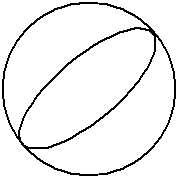
•press the Move button;
•click to set the first moving ray point:
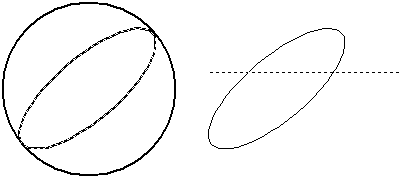
•moving the mouse cursor get new placement for the selected entity(ies);
•click to fix entity(ies) at the new placement:
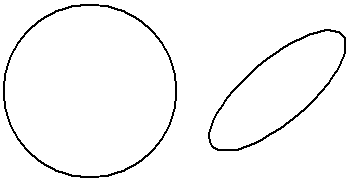
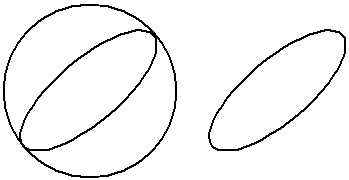
Note: the selected entity(ies) is (are) copied if the Fast Entities Input  mode is on:
Go to ABViewer